
Restaurant & Tables
Table service with orders you can add to all evening and settle at the end.
- Table floor and reservations
- Kitchen and bar routing with kitchen display
- Pay now or pay later, plus tips
UNIVERSALE runs restaurants, fast food counters, shoe and clothing stores, electronics shops and everyday retail from one point of sale. Switch on only the modes your business needs and start selling from any browser or our Android app.
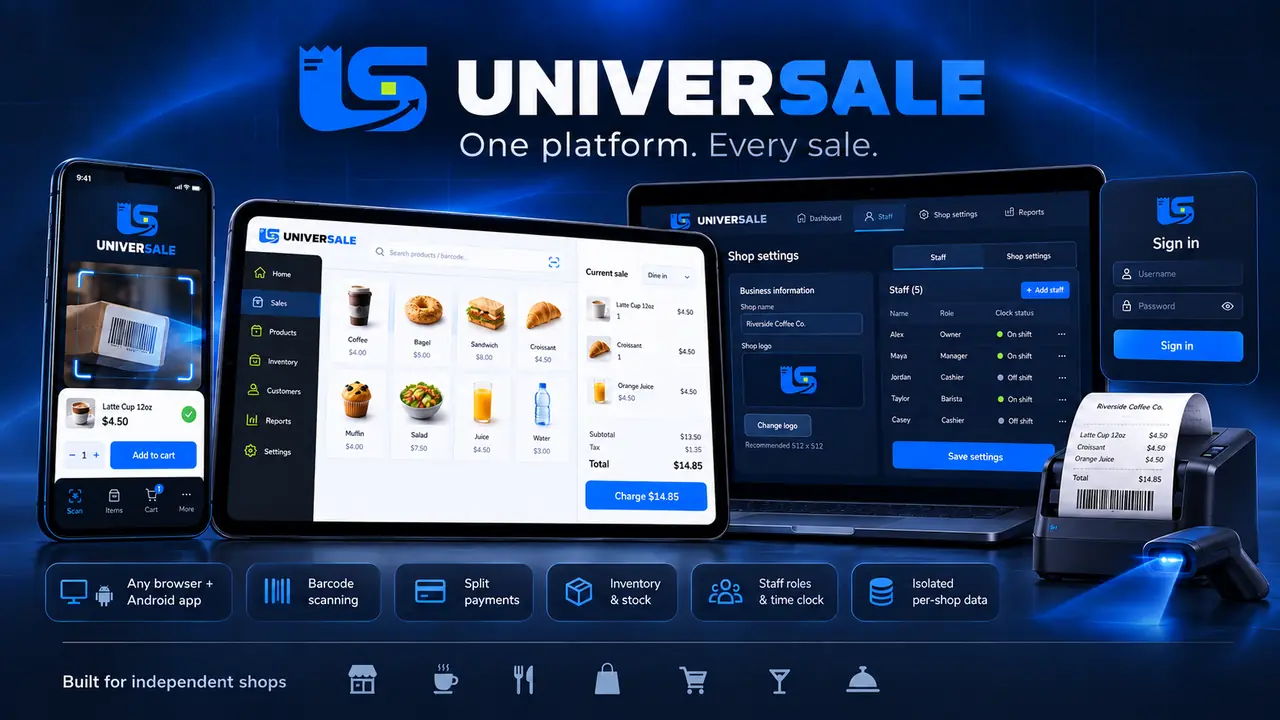
A small interactive demo of the checkout. Tap products to add them, switch the mode to see how the till adapts, then charge the order.
Each mode brings the screens and stock tools that kind of business needs. Turn on one or several; the POS reshapes itself around them.
Table service with orders you can add to all evening and settle at the end.
Pay-first counter service built for speed and a busy queue.
Every size and colour tracked as its own stock line.
Models with size, colour and quantity, ready for exchanges.
Know exactly which unit left the shop and when its warranty ends.
Hardware, spare parts, florists, convenience stores and more.
Run more than one? A single product can be sold in several modes and share the same stock.
Selling, stock, customers and staff in one place. Your shop name and logo appear on its sign-in, app and receipts.
Big product tiles and a clear cart. Tap, charge, print.
Cash, card, mobile, gift card and loyalty points on one sale.
Use a scanner gun, or the phone camera in the Android app.
Receipts and invoices in your layout, plus PDF invoices.
Product catalogue, stock levels, staff accounts and roles.
Profiles, purchase history and consent-based email campaigns.
Points with Member, Silver and Gold tiers; RFID, barcode or QR cards.
Issue, top up and redeem balances at the till.
Percentage or fixed discounts, minimum spend and happy hours.
Full or partial refunds as cash or store credit.
Each role sees only its tools. Staff clock in and out.
Opening float, cash in and out, and X/Z reports at close.
Sales, tax and margin reports for any date range.
Run several branches, each with its own stock.
Owners manage staff, settings, shop name and logo.
Encrypted connection, passwords never stored in readable form, and password-protected encrypted backups.
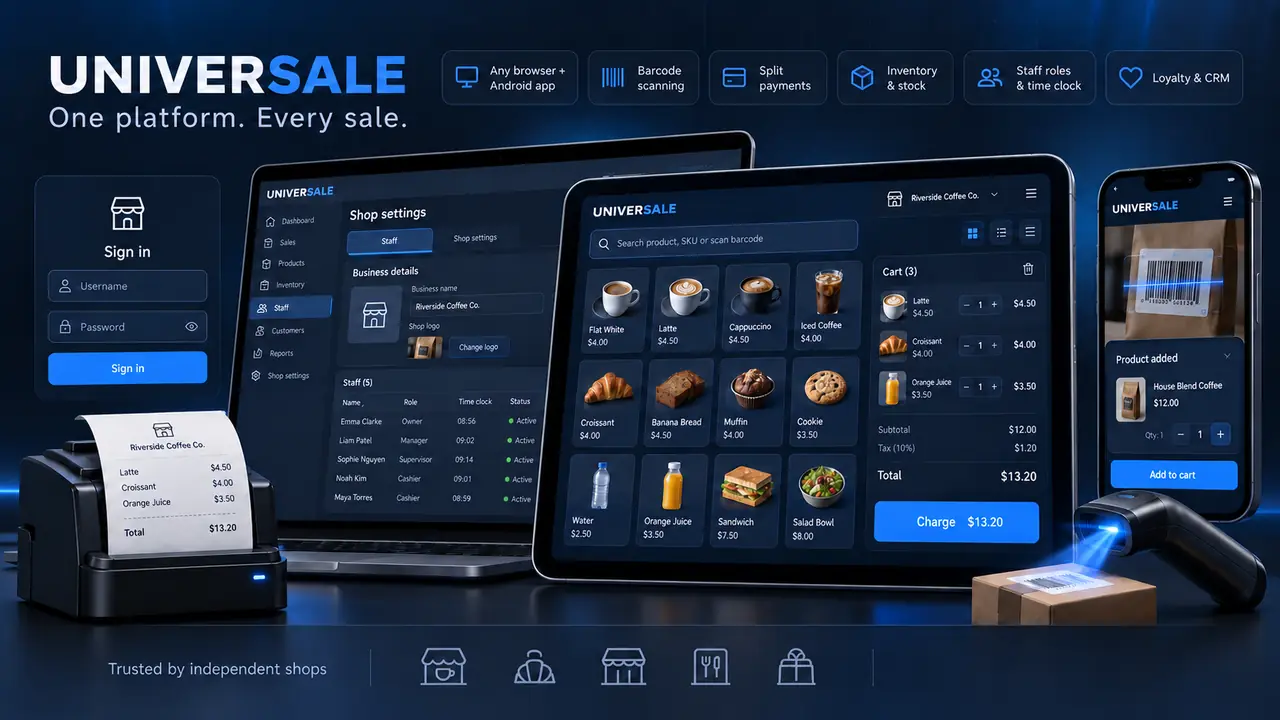
No special terminal to buy. Open the POS on the computer or tablet you already own, then add hardware as you grow.
Security is built into every layer of UNIVERSALE. Your sales, customers and staff data stay encrypted on the move, sealed inside your own shop and visible only to the people you allow.
Every connection between your devices and your shop is encrypted over HTTPS, from the till to the reports.
Passwords are stored only in a protected, irreversible form. Not even our team can see them.
Each business runs in its own isolated space with its own till, stock, staff and customers. No other shop can ever reach your data.
Cashiers, waiters, managers and owners each see only the tools their role allows. Discounts and edits need the right permission.
Repeated sign-in attempts are rate-limited and logged, so password guessing is blocked automatically.
Sign-ins use secure sessions, and every change is checked against request forgery before it is accepted.
Sign-ins, failed attempts, discount changes and table moves are all recorded in an audit log.
Back up your whole shop and lock the file with your own password using AES-256 encryption.
Every new shop is reviewed and approved by us before it goes live, so only genuine businesses join the platform.
UNIVERSALE has built-in support for the Mauritius Revenue Authority e-Invoicing system. Fiscalise every sale with its IRN and QR code on the receipt, ready for your MRA onboarding as Mauritius's e-invoicing roll-out continues.
Each completed sale becomes an e-invoice. Once your shop is live, it is sent to the MRA in real time.
The MRA Invoice Reference Number (IRN) and QR code are printed on the customer's receipt.
Refunds create a credit note automatically, with the VAT worked out for you.
If the MRA cannot be reached, the sale still goes through. The invoice waits in a queue and is retried automatically, and the receipt shows "Not Yet Fiscalised" until the IRN arrives.
Sales to the public, and invoices to business customers using the buyer's TAN.
Off by default. VAT-registered shops switch it on; other shops keep selling as usual.
Mark your shop as VAT-registered in the Shop console and enter your BRN and TAN/VAT number. Rupees and 15% VAT are set for you.
Sign up on the MRA e-Invoicing portal and register your EBS to receive your EBS MRA ID.
Complete the MRA sandbox test, add your MRA details in the Shop console, then switch to production.
Notice: UNIVERSALE's e-Invoicing is built to the MRA EBS Technical Guidelines v1.3. To go live, each shop completes its own MRA e-Invoicing onboarding and uses its own MRA credentials. UNIVERSALE is not affiliated with or endorsed by the Mauritius Revenue Authority.
Register your shop online. We review every application and switch your shop on.
Register your shop online and tell us the kind of business you run.
We review every application and switch your shop on, with the modes your business needs.
Add your staff in your Shop console. Each person signs in with their own account and role.
Open your POS in a browser or the Android app and start selling.
Start with a trial, then choose a 3, 6 or 12-month term. Pricing on request.
We review every application and switch your shop on. Pricing on request.
No. The web POS runs in any browser on Windows, Mac, Linux or Android. Add a receipt printer, a barcode scanner or NFC/RFID cards whenever you are ready.
Link the app to your shop once with the owner account; after that your staff simply sign in. They see a home screen that matches their role and your modes, browse the catalogue, take orders, scan barcodes with the phone camera, split payments, clock in and out, and print receipts.
Register your shop online. We review every application and switch your shop on, with the modes you need. Then you add your staff in your Shop console and start selling.
Start with a trial, then choose a 3, 6 or 12-month term. Pricing on request: email support@amolvin.com or message us on WhatsApp and we reply.
Yes. Your data is encrypted in transit and protected: passwords are never stored in readable form, sign-in attempts are limited, each staff member only sees what their role allows, and backups can be encrypted with a password. Each business has its own isolated till, stock, staff and customers, and one shop never sees another shop's information.
Yes. UNIVERSALE has built-in support for the MRA e-Invoicing system, built to the MRA EBS Technical Guidelines v1.3. Each completed sale is fiscalised with its IRN and QR code on the receipt, refunds create credit notes, and if the MRA cannot be reached the sale still goes through while the invoice is queued and retried automatically. It is optional per shop: VAT-registered shops switch it on in the Shop console, complete their own MRA onboarding and sandbox test, then go live.
Yes. Switch on several modes, for example Shoes and Clothes, or Restaurant and Fast Food. A product can belong to more than one mode and share its stock.
You add staff in your Shop console. Each person has their own account and role, such as cashier, waiter or manager, and signs in on your shop's sign-in page, in the Android app, or with an NFC/RFID access card on the web POS.
Register your shop online. We review every application and switch your shop on.